Gaussian Splatting: A Complete Student Guide to 3D Capture in 2026
Your smartphone is now a photorealistic 3D scanner. Here’s everything you need to know to start using it.
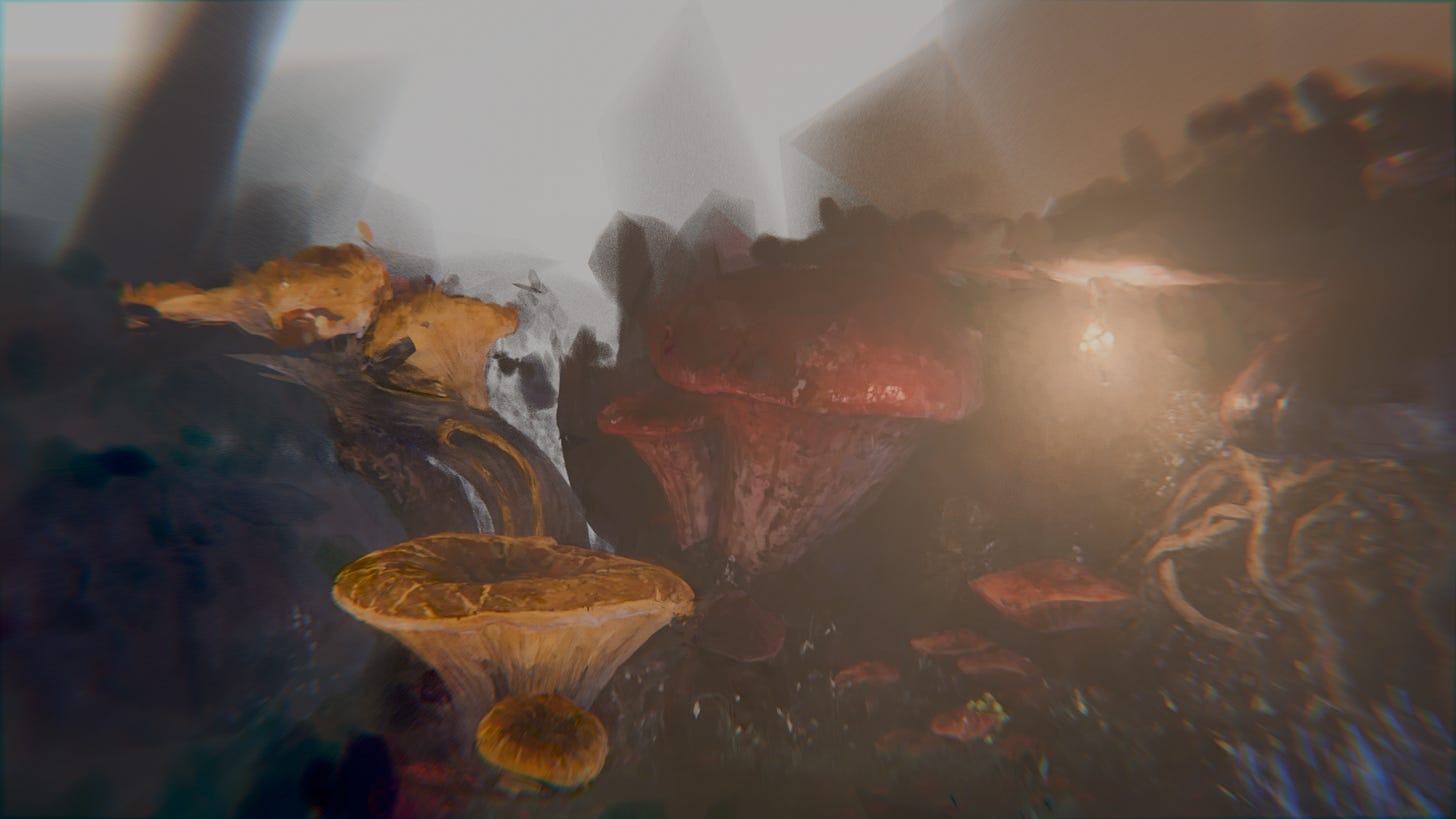
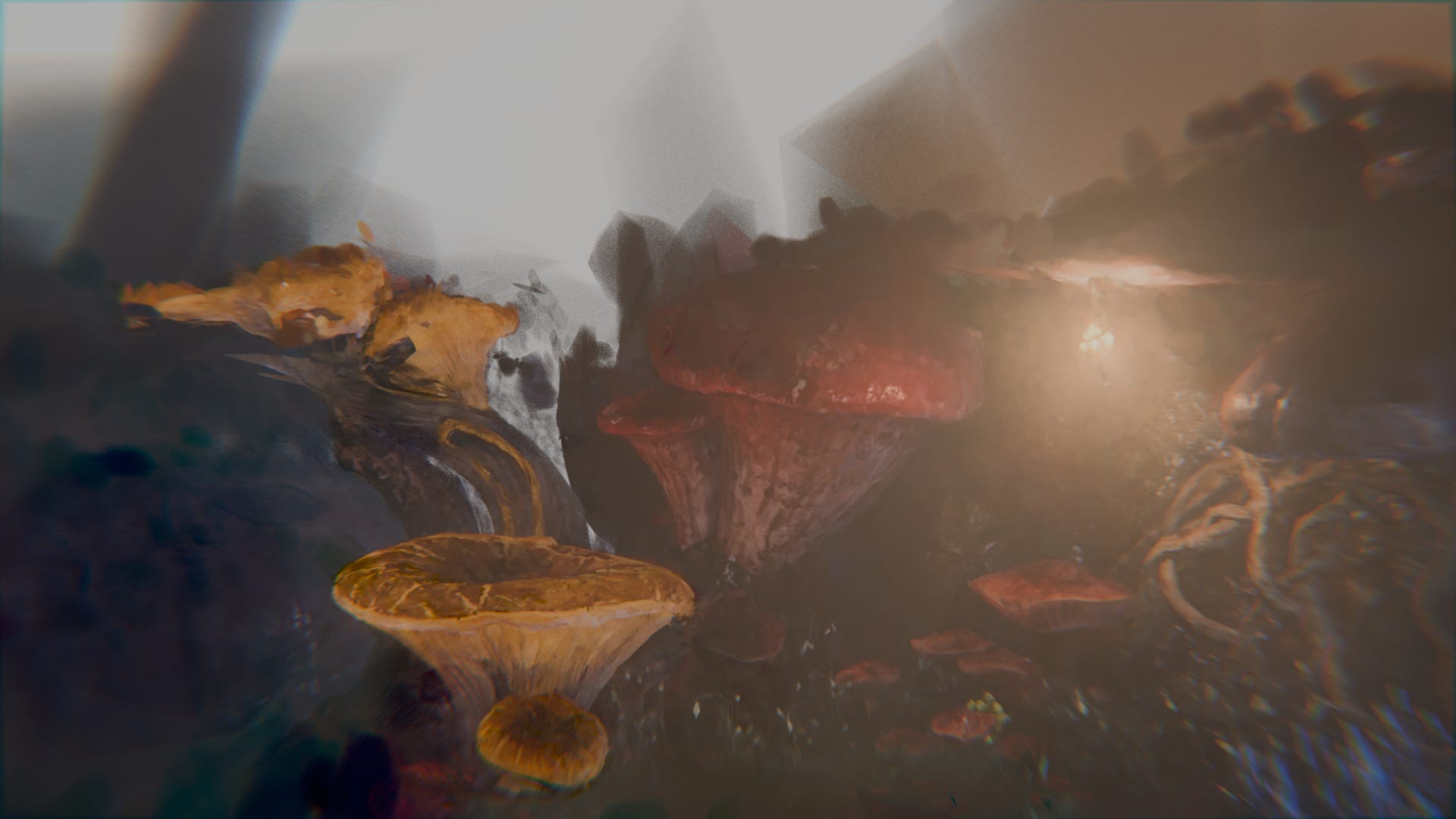
If you’re reading this on a phone, here’s the fastest possible version: Download Scaniverse (free), walk around something interesting, tap process, and you’ll have a photorealistic 3D scene in 60 seconds. Then open SuperSplat in your browser to clean it up. That’s it. You’re splatting.
For everyone who wants to understand why this works, what tools exist, and how to push the technology further — read on. This guide is organized as a series of waypoints you can jump between.
How Gaussian splatting actually works
3D Gaussian Splatting won the SIGGRAPH 2023 Best Paper Award and it represents a genuine paradigm shift in how we capture and render real-world scenes. Photorealistic results at 100+ frames per second — something impossible with previous neural rendering techniques.
The core idea: represent a scene using millions of 3D Gaussian distributions — soft, ellipsoid-shaped blobs in 3D space. Think of it like painting with spray cans in three dimensions, where each spray creates a fuzzy dot that can be stretched and rotated. Millions of these blobs combine to create photorealistic scenes.
Each Gaussian primitive carries learnable parameters: position in 3D space (x, y, z), a covariance matrix defining shape and orientation, opacity, and color encoded through spherical harmonics — mathematical functions that capture how color changes depending on viewing angle, enabling realistic specular highlights.
The pipeline works in three stages:
Stage 1 — Structure-from-Motion (SfM). Software like COLMAP analyzes your input images and estimates camera positions while generating a sparse point cloud.
Stage 2 — Optimization. A Gaussian is initialized at each point, then iteratively refined by comparing rendered images against ground truth photos. The loss function balances pixel-level accuracy with structural similarity.
Stage 3 — Adaptive Density Control. Large Gaussians that cover too much area get split. Regions where detail is missing get additional clones. This typically runs every 100 iterations until convergence around 30,000 iterations.
The magic happens during rendering through tile-based rasterization. The screen is divided into 16×16 pixel tiles, Gaussians are sorted by depth using GPU-accelerated radix sort, and each pixel blends colors front-to-back using alpha compositing. Because this uses standard GPU rasterization rather than expensive ray-marching, it achieves real-time performance of 100–200+ FPS at 1080p.
Why this beats NeRFs
Neural Radiance Fields (NeRFs) encode scenes implicitly within neural network weights, requiring hundreds of network evaluations per pixel. Beautiful results, but at 1–10 FPS — far too slow for interactive applications. NeRF training also takes hours to days.
Gaussian splatting’s explicit representation changes the equation entirely. Training completes in 7–45 minutes, matching or exceeding NeRF quality. The tradeoff is storage: NeRFs produce compact 10–50MB models while Gaussian splats require 500MB–1.5GB per scene. For anyone building interactive experiences, the speed advantage far outweighs the storage cost — and modern compression formats like SPZ can reduce file sizes by 90%.
The best news for students: several excellent free options exist, with different tradeoffs between ease of use and flexibility.
Scaniverse — the fastest path to your first splat
Platform: iOS and Android | Cost: Completely free, no subscriptions | Processing: On-device
Scaniverse from Niantic is the most accessible entry point. It processes Gaussian splats on-device in 60–90 seconds without uploading your data anywhere, and exports standard PLY files compatible with all other tools. No account required for basic functionality.
Open the app → select Gaussian Splat mode → walk around your subject in a spiral pattern → tap to process. Done. This makes Scaniverse ideal for learning capture techniques without technical overhead. You can iterate on multiple captures within a single coffee break.
Quick verdict: If you’ve never made a splat before, start here. Period.PostShot — professional-grade local processing
Platform: Windows (NVIDIA RTX 2060+) | Cost: Free tier with paid export (€17/mo for PLY) | Processing: Local GPU
PostShot from Jawset offers the most polished desktop experience. The free tier provides unlimited image/video input, training up to 4K resolution, and live preview during training — you watch your scene materialize in real-time.
PostShot excels for students learning the optimization process because you can observe how Gaussians densify and refine during training. It also imports camera alignments from RealityCapture, enabling a workflow where you use RealityCapture’s superior (and now free for educational use) camera pose estimation, then train the splat in PostShot.
Quick verdict: Best for understanding how the technology works. The live training preview is genuinely educational.Polycam — cloud processing with editing tools
Platform: iOS, Android, and web | Cost: Free tier (150 images, GLTF export); Pro ~$9/mo with student discount | Processing: Cloud
Polycam processes captures on cloud servers, meaning you can create splats without a powerful local GPU. The free tier supports up to 150 images per capture with GLTF export. Full PLY export and unlimited captures require Pro at $17.99/month — though a 50% student discount brings this to roughly $9/month.
The value proposition is integrated editing tools (cropping, exposure adjustment) and a web-based workflow that works from any device.
Quick verdict: Best if you don’t have a GPU and need more than phone-based processing.Luma AI — a shifting landscape
Luma AI pioneered consumer-friendly Gaussian splatting but has suspended direct splat processing in their mobile app as of late 2024, redirecting resources toward AI video generation. Their infrastructure remains valuable: free Unreal Engine plugin for importing splats, WebGL library for web embedding, and a dashboard for managing previously created captures.
Quick verdict: Don’t rely on Luma for new splat creation, but consider their ecosystem for delivery.Open-source tools for deeper learning
Nerfstudio is the premier open-source framework for neural rendering research. After installation, you can train Gaussian splats using the Splatfacto method:
ns-process-data images --data /path/to/images --output-dir processed/
ns-train splatfacto --data processed/
ns-export gaussian-splat --load-config outputs/.../config.yml --output-dir exports/
Nerfstudio requires an NVIDIA GPU (8GB+ VRAM recommended), Python 3.10, and comfort with command-line interfaces. Steeper learning curve, but complete control over training parameters and access to cutting-edge research methods.
gsplat, the CUDA-accelerated backend powering Nerfstudio, offers 4x less memory usage and 10% faster training than the original implementation. For AMD GPU users, a ROCm port exists.
The original INRIA implementation remains valuable as the reference standard. Setup is more involved — requiring COLMAP, CUDA 12, specific Python versions, and compilation of custom CUDA kernels — but understanding this codebase provides deep insight into the algorithm.
SuperSplat — the essential free editor
Regardless of which tool creates your splats, SuperSplat is indispensable. This free, browser-based editor from PlayCanvas lets you clean up “floaters” (stray Gaussians from motion blur or insufficient coverage), crop unwanted background, adjust colors, and compress files. Runs entirely in your browser — no installation — and can reduce file sizes by 70–90% through compressed PLY export.
Every student workflow should include a SuperSplat cleanup pass before final export.
Free tools handle most student projects. Here’s when paid subscriptions earn their keep:
Polycam Basic (~$9/mo with student discount) — when you need more than 150 images per capture (complex scenes require 200–500+), want PLY export without switching tools, or value the integrated editing workflow.
PostShot Indie (€17/month) — when you’re committed to local processing and need exportable files for game engines or web publishing. The live training preview alone accelerates learning significantly.
RealityCapture — now free for users under $1M annual revenue. Provides industry-leading camera alignment that’s dramatically faster than COLMAP. Doesn’t create Gaussian splats directly but exports alignment data that PostShot and Nerfstudio can import. For complex captures where COLMAP struggles, this workflow often succeeds.
UE5 lacks native Gaussian splatting support but has a growing plugin ecosystem. XVERSE 3D-GS (XScene) is the recommended starting point — free under Apache 2.0, compatible with UE 5.1–5.5, and built on Niagara for seamless VFX integration.
For advanced features (custom LOD, collision generation), the Akiya 3D Gaussians Plugin (~$99) removes Niagara’s particle limits and enables dynamic lighting interactions. The Volinga Plugin targets professional production with ACES color support, HDR, and proper shadow integration.
Performance varies significantly with splat count and GPU capability. An RTX 3070 typically achieves 30–100 FPS depending on scene complexity.
Blender
KIRI 3DGS Render v4.0 (free, Apache 2.0) provides the most complete Blender integration. Import PLY files, switch to Render mode for real-time preview, and use sphere or plane selection tools to edit individual Gaussians. The add-on supports animation keyframing, so you can animate camera paths through splat scenes directly in Blender.
Unity
UnityGaussianSplatting by Aras Pranckevičius (free, MIT license) supports Unity 6+ with Built-in, URP, and HDRP pipelines. Critical requirement: enable Vulkan or D3D12 in Project Settings (D3D11 doesn’t work). Performance benchmarks: an RTX 3080Ti renders 6.1 million splats at 147 FPS. VR support is built-in for Quest 2/3/Pro, HTC Vive, and Vision Pro.
Web publishing
For web delivery, SuperSplat hosting provides the simplest path — edit your splat in the browser, export as HTML Viewer, and host on GitHub Pages, Netlify, or Vercel (all free). The result is a shareable URL that works on any modern browser.
Self-hosted viewers include antimatter15/splat (WebGL 1.0, excellent mobile support), gaussian-splatting-webgpu (faster GPU sorting, requires Chrome), and GaussianSplats3D for Three.js integration.
The quality of your Gaussian splat depends overwhelmingly on capture quality. This section alone will save you hours of frustration.
Coverage is paramount. Aim for 70–80% overlap between adjacent photos and capture from multiple heights — low, mid, and high angles. For a typical object, 100–200 photos using a spiral pattern works well; room-scale scenes need 200–500+. When uncertain, take more photos. Extra coverage rarely hurts; insufficient coverage guarantees failure.
Lock your exposure settings. Auto-exposure causes flicker between frames that confuses the SfM algorithm. On smartphones, tap to lock focus and exposure before beginning your capture walk. On cameras, use manual mode: shutter speeds of 1/500s or faster to eliminate motion blur, apertures of f/8–f/11 for maximum depth of field, and the lowest ISO your lighting allows.
Lighting consistency matters more than brightness. Overcast days produce excellent results because lighting remains constant as you move. Avoid changing light conditions, strong shadows that shift with your position, or mixed indoor/outdoor lighting.
Smartphones work excellently. Modern computational photography produces high-quality results. iPhone 13 Pro or later, Google Pixel 7+, and Samsung Galaxy S22+ all produce professional-quality input. Stick to the standard/main lens — ultra-wide distortion confuses the algorithms.
Know what challenges the algorithm. Mirrors, glass, transparent objects, featureless white walls, and moving elements (people walking through your scene) all create artifacts. Moving objects produce characteristic “floaters” — stray Gaussians floating in space — that require cleanup in SuperSplat.
For mobile workflows (Scaniverse, Polycam): any recent smartphone suffices. iPhone 11+ or modern Android handles capture and on-device processing fine.
For desktop training, GPU is the critical constraint. The original implementation recommends 24GB VRAM (RTX 3090 or 4090). But students can work around this:
- RTX 3060 (12GB): Viable for most scenes with reduced iterations (7,000–15,000)
- RTX 2060 (6–8GB): Limited to smaller scenes; use
--data_device cputo reduce VRAM at the cost of speed - Integrated graphics: Training isn’t feasible — use cloud-based or mobile tools instead
OpenSplat can train on CPU (~100x slower) and supports AMD GPUs and Apple Metal, enabling Mac users to train locally without CUDA.
For viewing splats, requirements are much lower — a GTX 1060 or integrated graphics can display pre-trained models.
Expect 50MB–1.5GB file sizes per scene, with complex outdoor environments at the higher end. Fast SSD storage improves training speed significantly.
PLY (Polygon File Format) is the current industry standard for Gaussian splats, storing position, scale, rotation, opacity, and spherical harmonics for each Gaussian. Uncompressed files are large (~248 bytes per Gaussian), but nearly all tools support PLY import/export.
SPZ (Splat Zip), open-sourced by Niantic under MIT license, achieves 90% compression through fixed-point quantization and column-based organization — a 250MB PLY becomes approximately 25MB. Scaniverse exports SPZ natively, and converter tools exist for other sources.
Compressed PLY from PlayCanvas/SuperSplat offers approximately 4x compression by dropping spherical harmonics data, trading some view-dependent color accuracy for smaller files.
glTF standardization arrived in August 2025 when Khronos officially added 3DGS to the glTF ecosystem via
KHR_gaussian_splatting extensions. This signals the technology’s maturation toward
industry-standard interoperability, though tool support is still
emerging.For format conversion, 3dgsconverter (Python CLI) and gsbox (cross-platform CLI) handle most conversions, while SuperSplat can export to multiple formats through its browser interface.
Despite rapid progress, Gaussian splatting has meaningful constraints you should plan around.
Reflective and transparent surfaces remain challenging. While 3DGS handles reflections better than photogrammetry, mirrors and glass still produce artifacts. Research like 3DGS-DR (SIGGRAPH 2024) addresses deferred reflection handling, but these aren’t yet in consumer tools.
Thin structures — power lines, fences, antennas — exhibit visual artifacts because Gaussians struggle to represent long, linear features accurately.
Editing capabilities are limited. You can select and delete Gaussians, transform groups, and merge multiple splats, but boolean operations, semantic editing, and text-driven modifications remain research topics. SuperSplat provides selection and deletion tools; true DCC-grade editing doesn’t exist yet.
VR requires careful optimization. Achieving mandatory 72+ FPS at VR headset resolutions with wide field-of-view and stereo rendering demands aggressive optimization. Target under 400,000 Gaussians for standalone Quest performance.
Gaussian splatting is evolving rapidly across multiple fronts.
4D Gaussian Splatting now enables dynamic scene capture. Methods like 4D-GS (CVPR 2024) achieve 82 FPS at 800×800 for temporal sequences, with training times around 8 minutes.
Compression and streaming standards are crystallizing. MPEG has opened an explorations track on Gaussian Splat Coding, signaling eventual formal standards. The SPZ format is emerging as a de facto standard for compressed delivery.
Alternative kernels beyond Gaussians — including Deformable Beta Splatting for sharper edges and Gabor Splats for textured surfaces — are active research areas that may improve reconstruction quality.
Semantic integration with language models (LangSplat, Feature 3DGS) enables text-driven queries and manipulation of splat scenes, pointing toward editing workflows where you describe changes rather than manually selecting Gaussians.
Industry analysts describe Gaussian splatting as approaching a “JPEG moment for spatial computing” — 2023 proved the speed, 2024 added geometric accuracy and mobile support, 2025 brought standardization, and 2026 should see production-grade workflows mature. Students building expertise now will be well-positioned as the technology becomes ubiquitous.
For the quickest possible start:
- Download Scaniverse (free) on your smartphone
- Find a textured, static object — a statue, plant, or piece of furniture works well
- Capture by walking slowly in a spiral pattern, varying height
- Process on-device (~60 seconds)
- Export as PLY from the app
- Open SuperSplat in your browser
- Clean up any floaters using the selection tools
- Export as compressed PLY or HTML viewer
From there, experiment with larger scenes, different tools, and game engine integration as your projects require.
The foundational paper: “3D Gaussian Splatting for Real-Time Radiance Field Rendering” — Kerbl et al., SIGGRAPH 2023 (project page · GitHub repo)
Tools & editors: Scaniverse · PostShot · Polycam · SuperSplat Editor · Nerfstudio · RealityCapture
Open-source repos: INRIA original implementation · gsplat (CUDA backend) · UnityGaussianSplatting · OpenSplat
Learning & community: Awesome 3D Gaussian Splatting (curated paper/tool list) · Radiance Fields (news & platform reviews) · r/gaussian_splatting · Radiance Fields Discord · Jonathan Stephens tutorials (YouTube)
Formats & specs: SPZ format (Niantic) · PlayCanvas Gaussian Splatting docs · Khronos glTF
The barrier to entry for photorealistic 3D capture has never been lower. Your smartphone, a free app, and a browser-based editor are all you need to begin exploring this technology that’s reshaping how we represent and interact with 3D space.
If this was useful, share it with a student or colleague working in 3D. And if you want to see what I’m building with these tools — installations, speculative dioramas, the places where physical and digital overlap — subscribe and stick around.